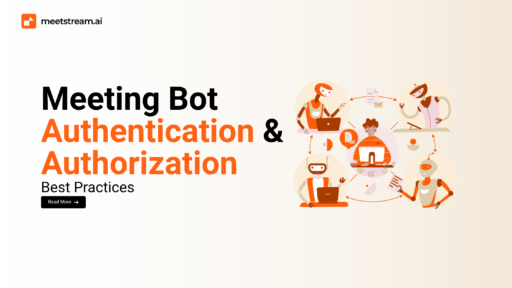
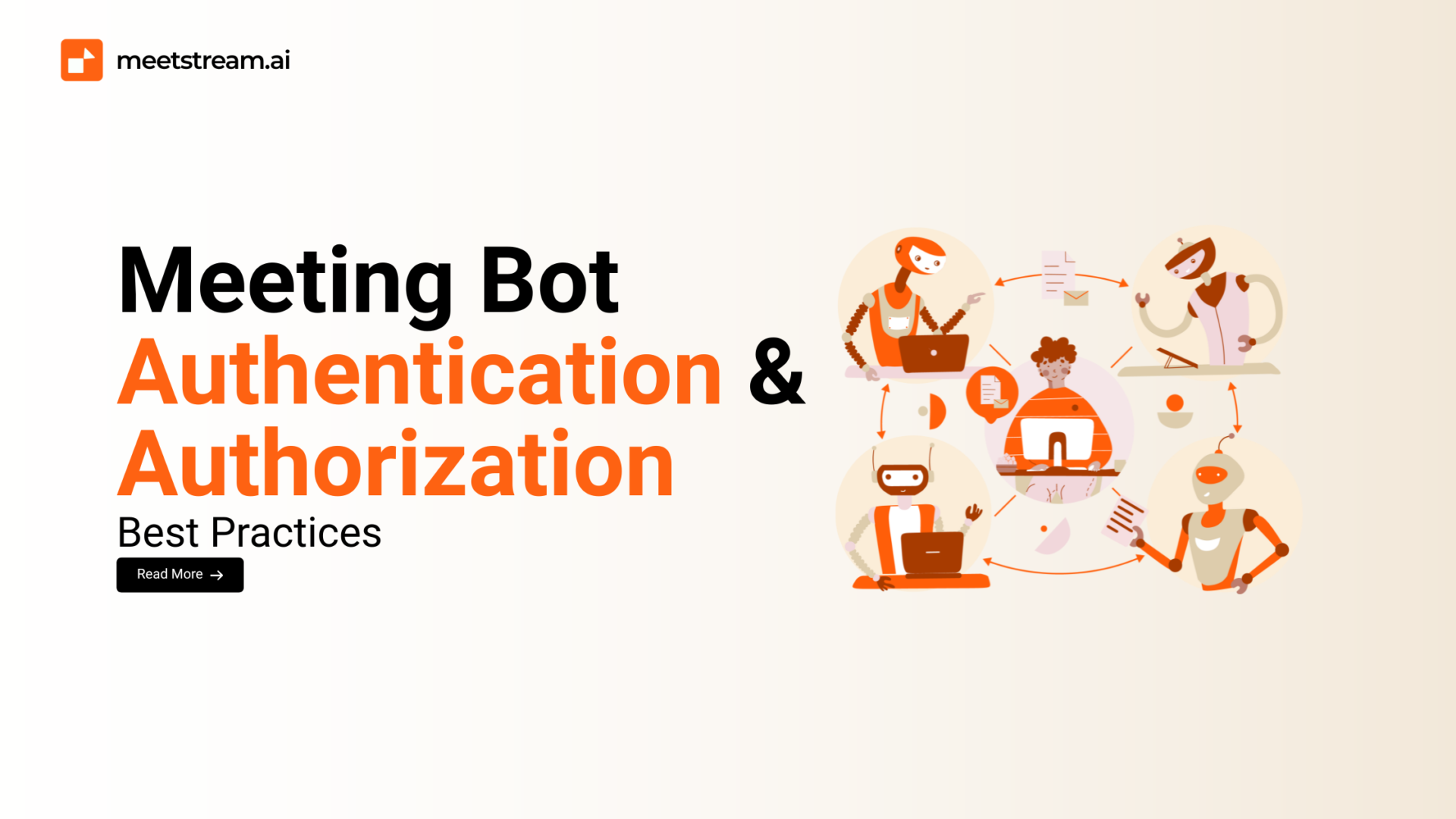

In today’s fast-paced digital landscape, meeting bots have become essential tools for automating tasks like transcription, note-taking, and action item tracking. While they boost productivity, they also handle sensitive, real-time meeting data, making robust security a non-negotiable requirement. Weak security can lead to data breaches, compliance violations, and a significant loss of trust.
This guide is for developers aiming to build secure meeting bots. We’ll explore the critical differences between authentication and authorization, examine common security methods, and share best practices to protect both your application and your users’ data.
Understanding Authentication vs. Authorization in Meeting Bots
It’s easy to confuse these two concepts, but they serve distinct purposes in the security stack.
- Authentication is about identity verification. It’s the process of confirming that a user or bot is who they claim to be. Think of it as showing your ID at the door.
- Authorization is about access control. Once an identity is verified, this process determines what actions that identity is permitted to perform. It’s the bouncer telling you which rooms you’re allowed to enter.
Both are equally crucial. A bot that is authenticated but not properly authorized could potentially access sensitive information it has no business seeing, while a bot that is authorized without proper authentication is an open door for anyone to exploit.
Common Authentication Methods for Meeting Bots
Choosing the right authentication method is the first step to a secure bot.
- API Keys & Token-Based Authentication: These are simple, unique strings used to identify and authenticate a bot with a service. They’re straightforward to implement but require careful management to prevent leaks.
- OAuth 2.0 and JWT (JSON Web Tokens): OAuth 2.0 provides a secure, standard way for a bot to get limited access to a user’s account without a password. JWTs are compact, secure tokens that can be used to transmit information between parties. This method is highly secure and ideal for integrating with third-party services like Google Workspace or Microsoft Teams.
- Single Sign-On (SSO): SSO allows users to log in with a single set of credentials to access multiple applications. For enterprise-level bots, SSO integration with corporate identity providers like Okta or Azure AD is a must-have, as it centralizes user management and security.
Each method has its pros and cons. API keys are great for quick, internal integrations, while OAuth and SSO are better suited for large-scale, secure, and user-facing applications.
Authorization Models for Meeting Bots
Once a bot is authenticated, you must define its permissions.
- Role-Based Access Control (RBAC): This is the most common model. It assigns permissions to roles, and roles are assigned to users or bots. For a meeting bot, roles might include Viewer (can see transcripts), Recorder (can start/stop recording), or Admin (can configure settings for the entire organization).
- Attribute-Based Access Control (ABAC): This model is more granular, granting access based on a combination of attributes of the user, resource, and environment. For example, a bot might only be authorized to view meeting transcripts if the meeting is tagged as “internal” and the user is an “employee” in a “marketing” department.
- Least Privilege Principle: Always give your bot the minimum permissions needed to perform its function. An overly permissive bot is a major security risk, as a compromise could lead to widespread data exposure.
For enterprise bots, a combination of RBAC and the least privilege principle provides a robust security framework.
Best Practices for Secure Authentication
A strong authentication system is built on these foundational practices:
- Enforce Multi-Factor Authentication (MFA): This adds an extra layer of security, requiring a second verification method beyond a password or key.
- Use Short-Lived Tokens: Instead of a long-lasting token, issue tokens with short expiration times and use a secure refresh mechanism. This minimizes the risk of a token being compromised.
- Rotate API Keys Regularly: Don’t let keys get stale. Scheduled rotation ensures that even if a key is compromised, it has a limited window of usefulness.
- Avoid Hardcoding Credentials: Never, ever, store API keys or secrets directly in your source code. Use environment variables, secret managers, or a secure configuration service.
Best Practices for Authorization
Proper authorization protects your data from both internal and external threats.
- Implement Least Privilege Principle: Grant your bot the minimum access it needs and nothing more.
- Regular Audit Permissions: Routinely review bot permissions and user roles. Remove access for users who no longer need it, and ensure roles are correctly assigned.
- Use Context-Aware Authorization: Implement rules that change based on context. A bot’s permissions might differ in a public meeting versus a private executive session.
- Align with Compliance Requirements: For many organizations, security is a legal requirement. Ensure your authorization policies meet standards like HIPAA, GDPR, or SOC 2 to avoid legal and financial penalties.
Handling Sensitive Meeting Data Securely
A bot’s job is to handle sensitive data, so protecting it is paramount.
- Encrypt Data: All data should be encrypted both in transit (using TLS/SSL) and at rest (on disk).
- Secure Storage: Store tokens, credentials, and sensitive data in secure, encrypted vaults.
- Mask PII: Implement a system to automatically detect and mask Personally Identifiable Information (PII) in transcripts and recordings, where appropriate.
- Logging and Monitoring: Log every access attempt and action without violating privacy. This helps in auditing and detecting suspicious activity.
Common Pitfalls Developers Should Avoid
Mistakes are common, but these are easily preventable:
- Using a Single Static API Key: Each bot or application instance should have its own unique, revocable key.
- Over-Permissive Roles: This is the most common cause of data leaks. A bot that can access everything is a prime target.
- Ignoring Credential Revocation: When a user or bot leaves an organization, their credentials must be immediately revoked.
- Relying on Default Configurations: Always customize security settings to meet your specific needs. Defaults are rarely sufficient for production environments.
Future Trends in Meeting Bot Security
The security landscape is constantly evolving, and meeting bots are no exception.
- Zero Trust: This approach operates on the principle of “never trust, always verify.” Every request is treated as if it comes from an untrusted network, requiring continuous authentication and authorization.
- Adaptive Authentication: This method adjusts the level of security required based on a user’s behavior, device, or location. For instance, a bot might require a second verification if it’s logging in from an unusual IP address.
- AI-Driven Anomaly Detection: AI models can analyze bot activity to spot unusual patterns that may indicate a security breach.
Conclusion
Building a successful meeting bot for enterprises isn’t just about features; it’s about trust. Strong authentication and granular authorization are the cornerstones of this trust. By implementing the best practices outlined in this guide, you can ensure that your bot not only enhances productivity but also provides a secure, reliable experience for both businesses and their users. Secure bots are the only way to earn trustworthy adoption in the enterprise world.